Events
Something to turn up to.
A Circle is not only a place to write things down — it is where the clean-up, the coffee morning and the rota nobody wants to fill are posted, with a date on them and a way to say you will be there.

Inside a Circle
Three ways of turning up.
What is coming up
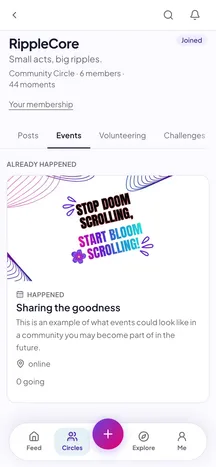
Every event the Circle has posted, newest first, with the date, the place and a tap to say you are coming. Somebody can see who else has said yes.
Where help is wanted
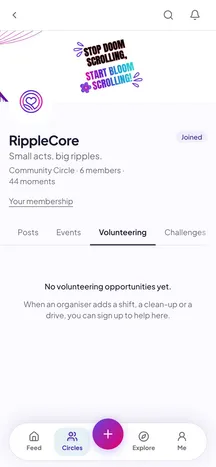
Open opportunities with a date and a place, a sign-up, and a register of who actually came — which is the part that makes a volunteer day worth repeating.
One goal, everyone
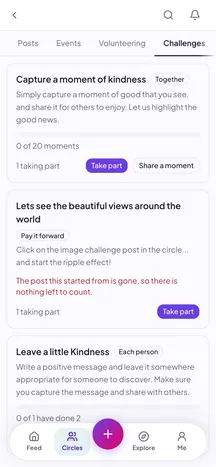
Challenges are the collective version of the same idea: one thing the whole Circle takes on for a month, joined with a tap and marked done when you have done it.


Nobody else sees it
Your diary is your Circle's, not the internet's.
An event belongs to the Circle that posted it. Who is coming, who signed up to volunteer and what the Circle is asking of its members are readable by that Circle's members and by nobody else — the same rule the posts live under.
Your Circle's next thing is already in the app.
See what's coming up, and add your own when you're ready.